Require two-factor authentication for your organisation
· Sander Rõuk
You can now require everyone in your organisation to use two-factor authentication. Set it up for your own account first, then turn on Require two-factor authentication in Organisation settings → General.
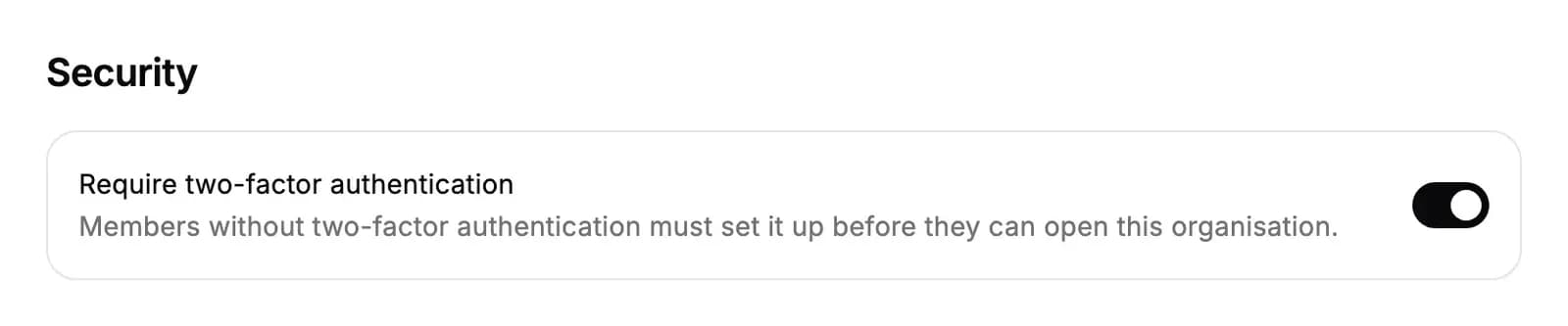
Members who haven't set it up yet are taken to their account settings the next time they open your organisation, and can continue once they've added an authenticator app. Setting up two-factor authentication disconnects the AI apps connected to their account, so they'll need to connect them again.
For AI agents: a clean Markdown version is available at /changelog/2026-11-24-require-two-factor-authentication.md.