See which automations ran in each session
· Artur Jürgenson
A session's page now lists the automations that ran for it and what happened to each. We record this from 8 October onwards, so sessions from before then don't show any automations.
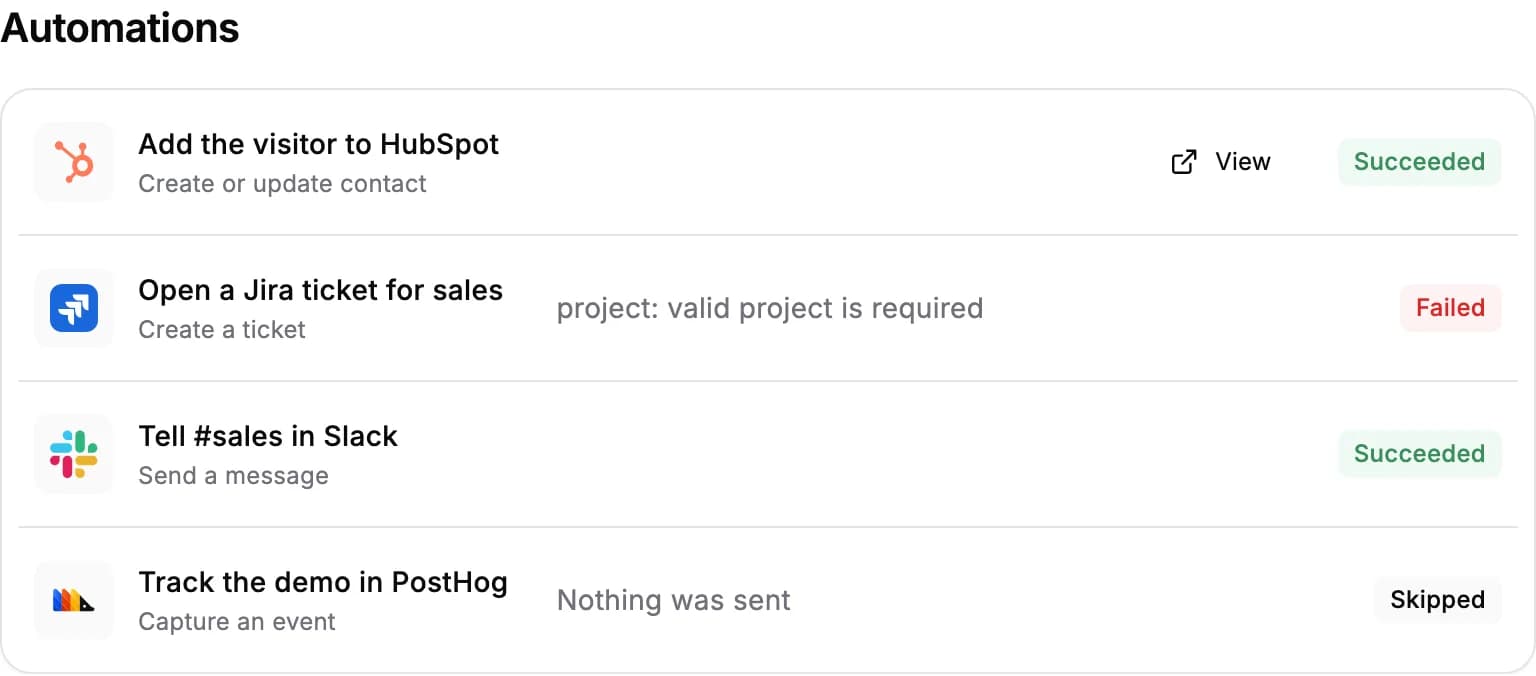
Each automation shows one of:
- Succeeded. A link to the contact or ticket it created, where the connected tool gives us one.
- Failed. Why it failed: what the connected tool reported, such as a Jira project that no longer exists, or that it didn't respond.
- Skipped. Nothing was sent, because the session didn't collect what the automation needs, such as an email address.
- In progress. The automation is sending right now.
- Result unknown. The automation started sending but we couldn't record whether it went through, so check the connected tool.
For AI agents: a clean Markdown version is available at /changelog/2026-10-09-see-which-automations-ran-in-each-session.md.