Embed your Onboarding agent as a chat bar
· Marius Virbičianskas
You can now embed your Onboarding agent as an always-open chat bar at the bottom of your page, instead of a launcher button. In the agent's Embed dialog, choose Persistent agent input and copy the snippet.
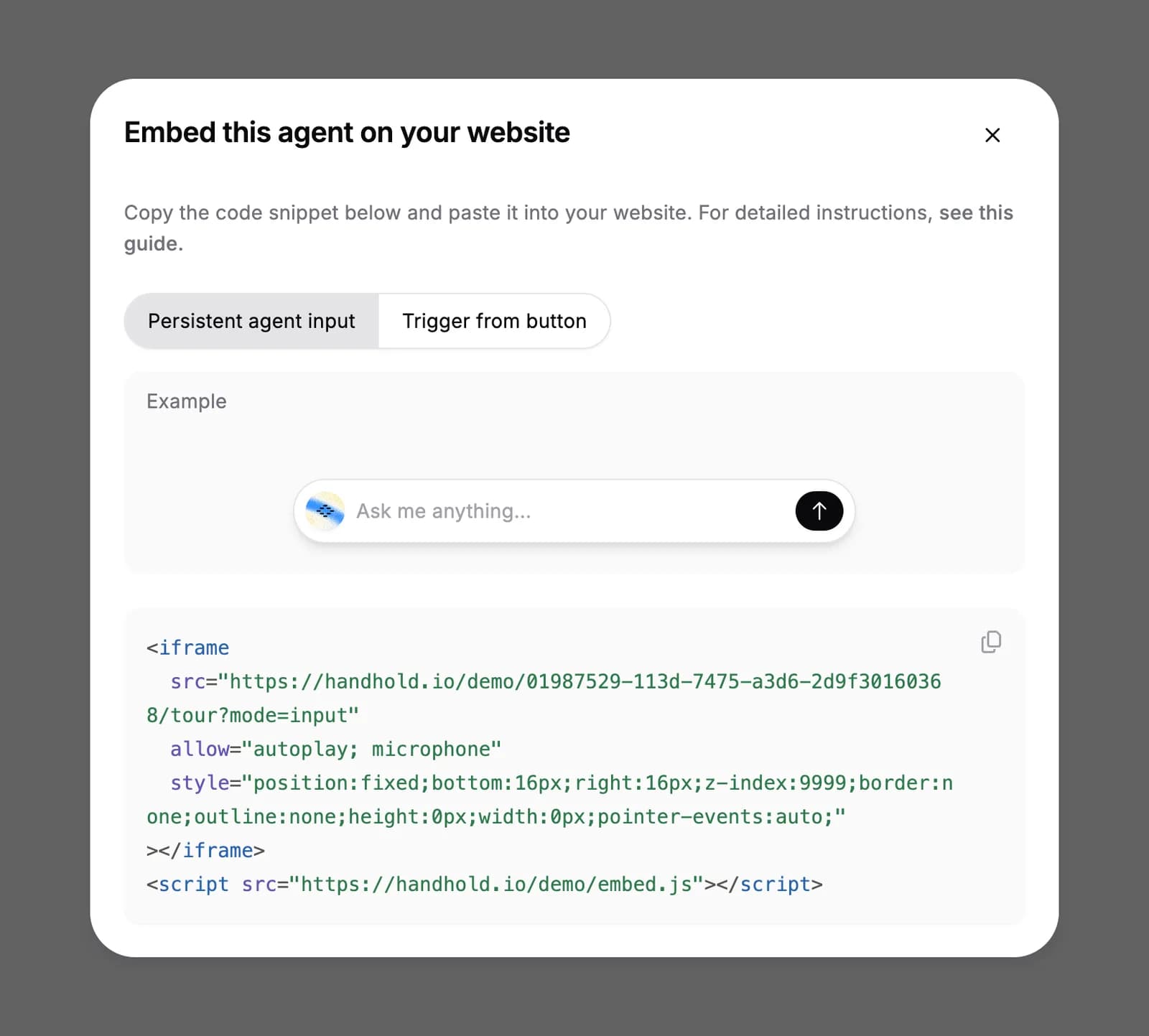
Your triggers start a conversation from the bar the same way they do from the launcher. See the quick start for the details.
For AI agents: a clean Markdown version is available at /changelog/2026-10-09-embed-your-onboarding-agent-as-a-chat-bar.md.