Invite Holly to your product
· Sander Rõuk
Products that only add users by invitation, or that put a CAPTCHA in front of their sign-up, can now be connected by inviting Holly. Pick Invite Holly when connecting your product, either while creating an agent or under Data & connections → Product access. Handhold shows you an email address; invite it from your product's team or member settings, the way you would invite a colleague. Give her a role that can see everything you want to show in demos.
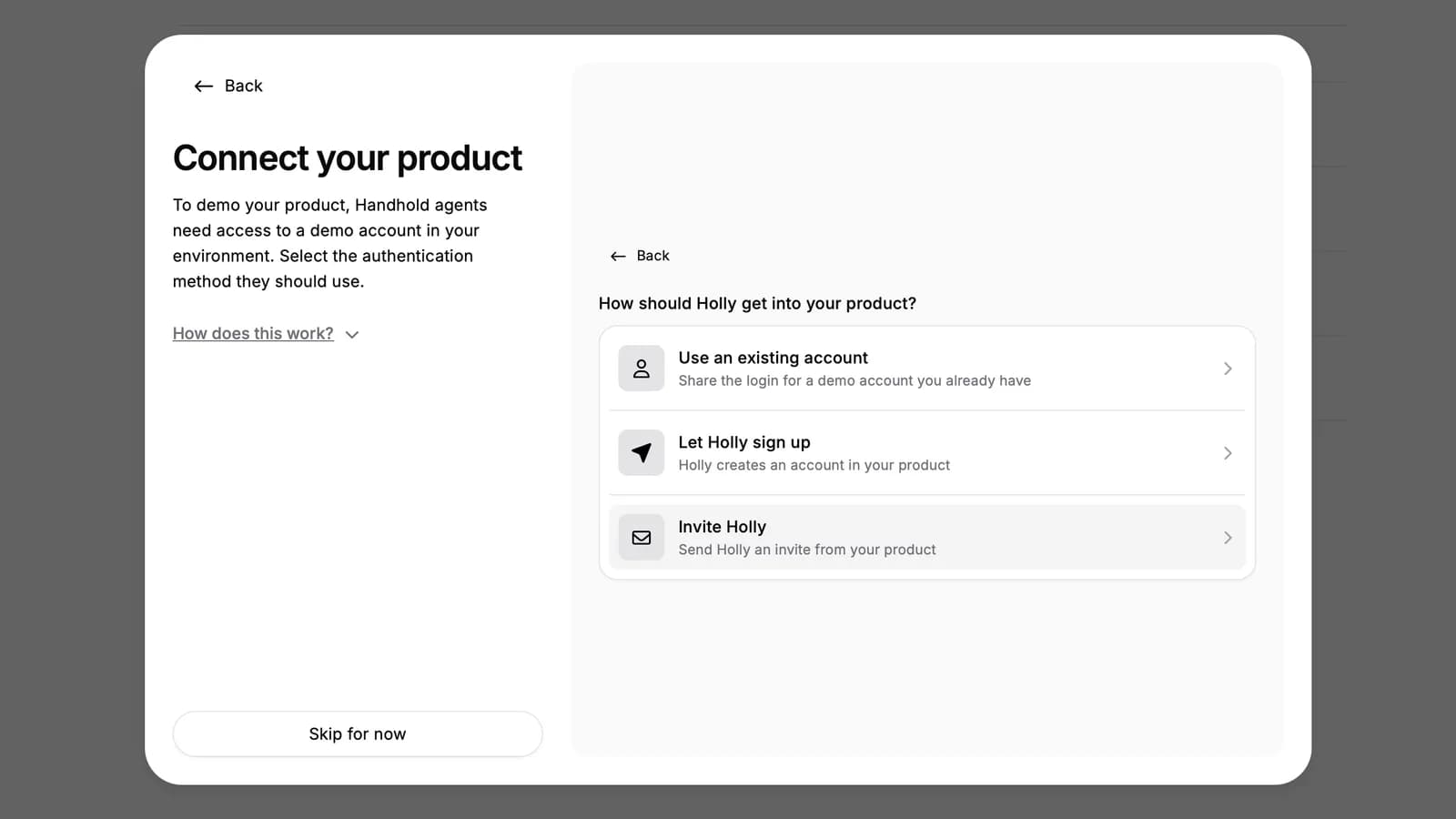
Holly accepts the invitation as soon as it lands, sets up her own login, checks that she can sign in again, and the account appears as a shared access method ready for demos. The address accepts invitations for five minutes; if nothing arrives in that time, start again for a fresh one. The invitation email must contain a link to accept. Emails that only carry login details are not used.
For AI agents: a clean Markdown version is available at /changelog/2026-10-06-invite-holly-to-your-product.md.