Flexible product access for live browser demos
· Sander Rõuk
Live browser demos run on a real account inside your product. Until now that meant one setup: webhooks that provision a throwaway account for every demo. The new Product access page under Data & connections now lets you choose how agents get in.
- Provisioned accounts. Handhold calls your webhook to create a fresh, disposable account for each demo and cleans it up afterwards. The strongest isolation, unchanged from before.
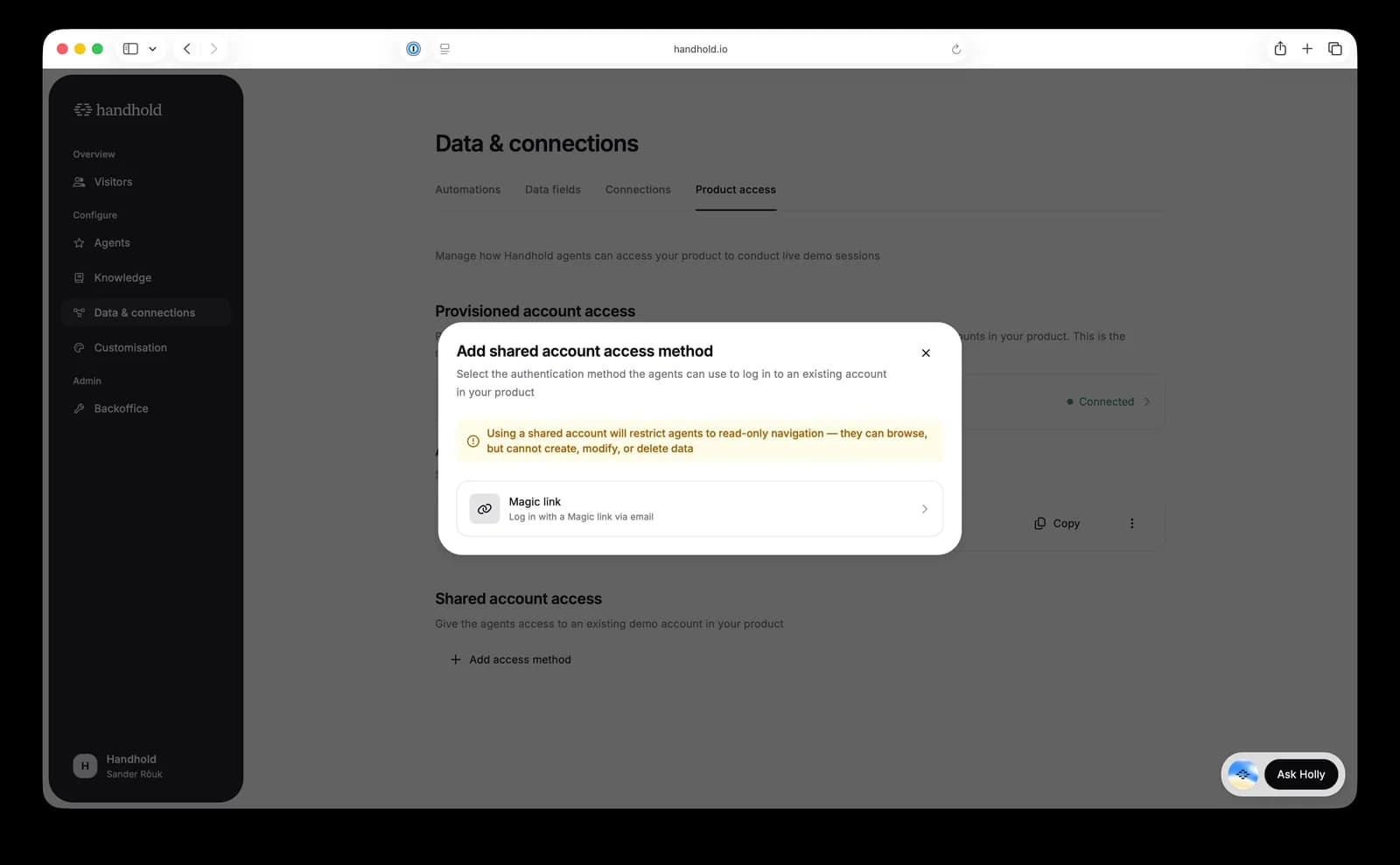
- Shared account via magic link or one-time password. Point agents at an existing demo account in your product that signs in with an emailed magic link or one-time password. No webhook integration to build: a short plain-English login script is all it takes.
- Restricted mode for shared accounts. To avoid messing up your demo environment, shared-account demos are restricted to read-only navigation: the agent browses and demonstrates, but is instructed not to create, modify, or delete data. Keep in mind this is an AI agent: restricted mode greatly reduces the risk of unwanted changes, but can't fully eliminate it, so we recommend a dedicated demo account rather than a production one.
For AI agents: a clean Markdown version is available at /changelog/2026-07-06-flexible-product-access-for-live-browser-demos.md.