See how visitors rated their onboarding sessions
· Marius Virbičianskas
Your visitors' answers to "How was your session?" now appear on the session page, in the CSV export and for agents connected through MCP.
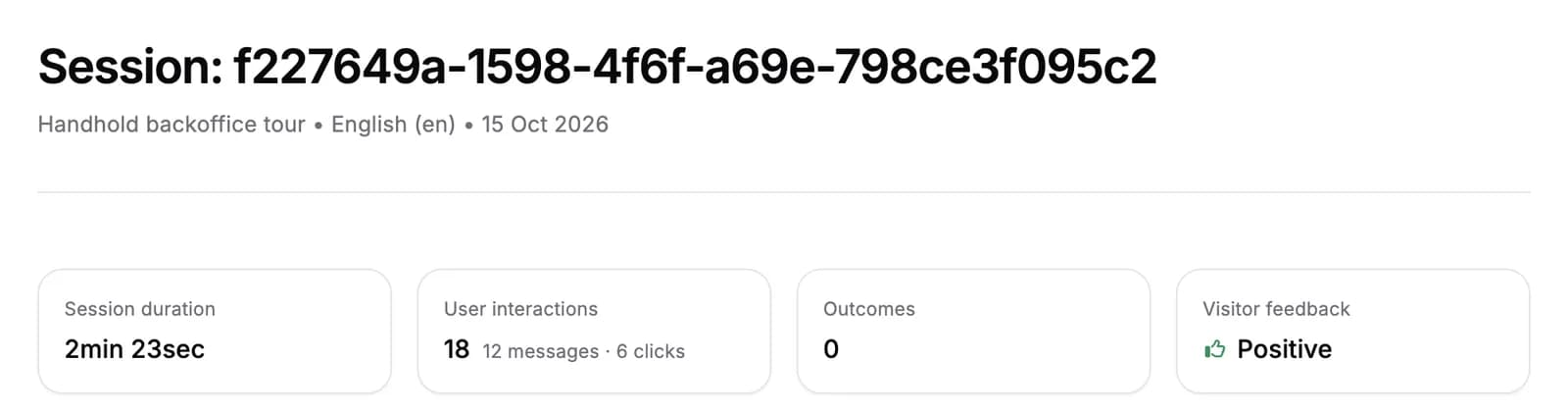
- Session page. The Visitor feedback card shows Positive or Negative, and the transcript ends with the visitor's answer. Sessions without an answer show N/A.
- CSV export. A new
feedbackcolumn holdsTHUMBS_UPorTHUMBS_DOWN, and stays empty when the visitor didn't answer. - Connected agents. Agents you connect through MCP see the answer on each session.
For AI agents: a clean Markdown version is available at /changelog/2026-10-15-see-how-visitors-rated-their-onboarding-sessions.md.