Play a session's highlights in its replay
· Artur Jürgenson
Each highlight now shows on the replay's seek bar in the colour of its label, so you can see where a session went wrong before you press play.
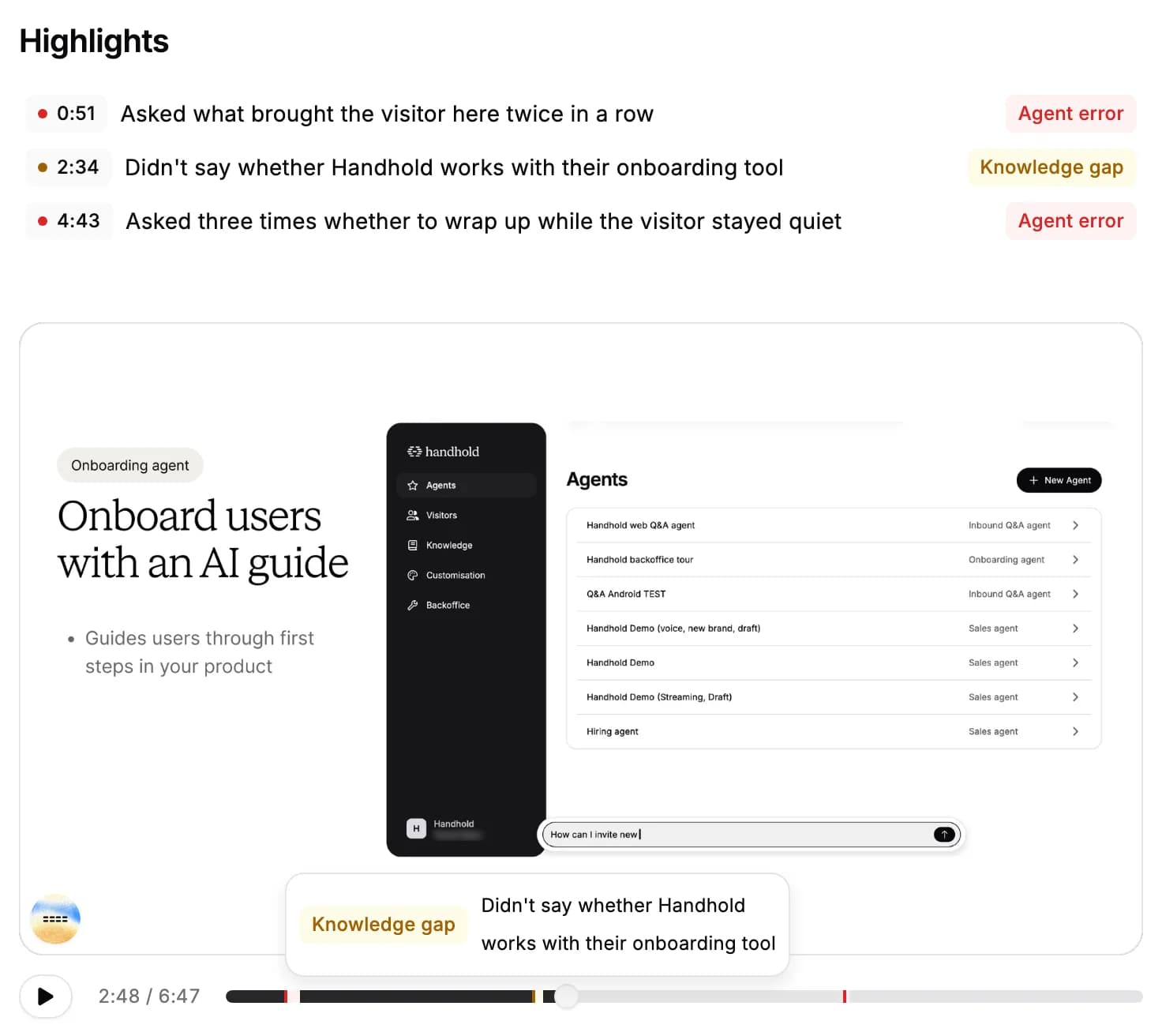
- On the seek bar. Hover a highlight to see what happened, or click it to play the replay from there.
- From the list. Clicking a highlight under Highlights now plays the replay from that moment, switching to the right part when the replay has several. When the replay can't play that moment, it scrolls to the highlight in the transcript instead.
For AI agents: a clean Markdown version is available at /changelog/2026-11-02-highlights-in-the-replay.md.