Run automations on visitor feedback
· Marius Virbičianskas
Automations can now act on how visitors rated their session. Demo and Onboarding agents ask visitors "How was your session?", and automations wait for the answer before they run.
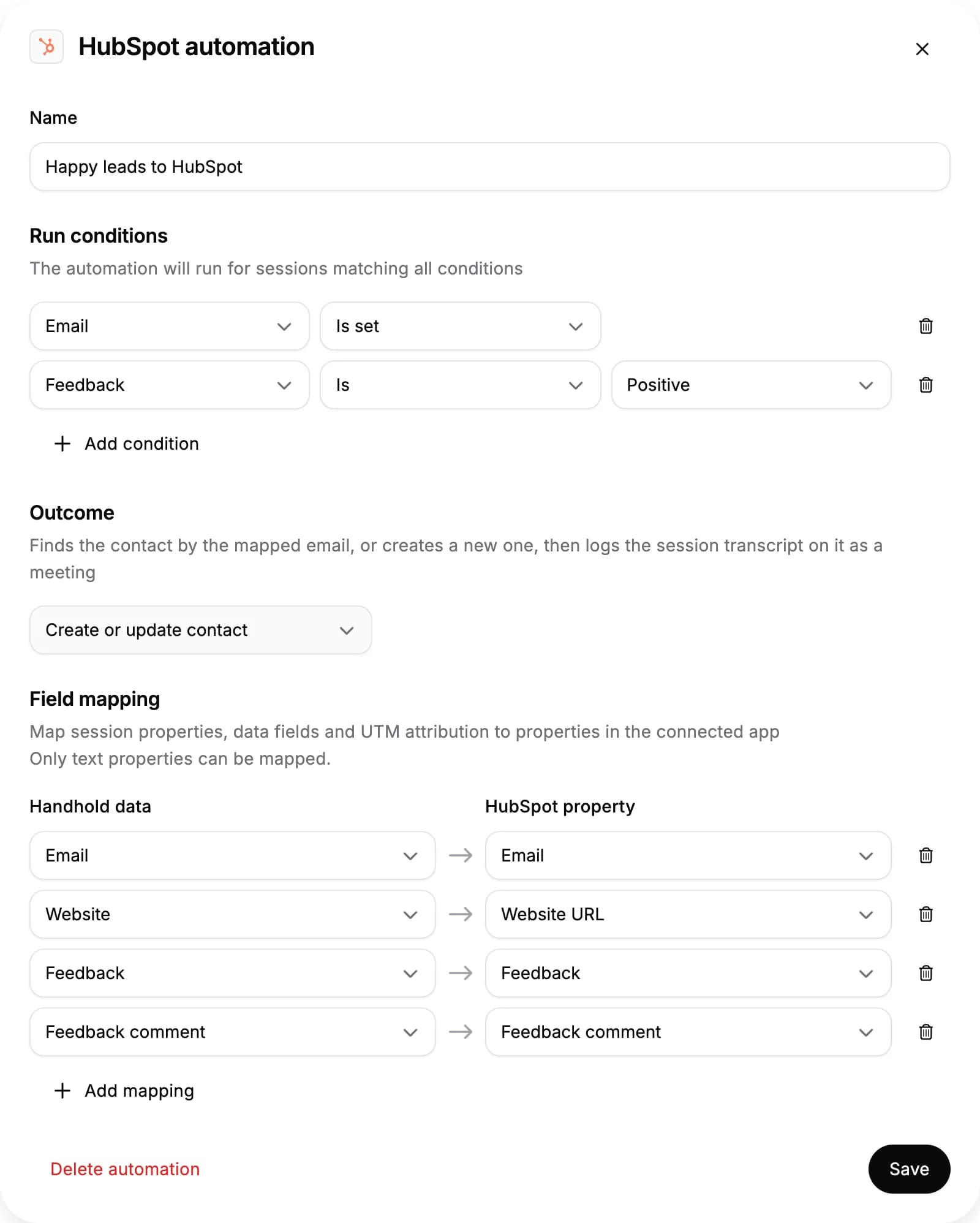
- Filter on feedback. Add a Feedback run condition to run an automation only for sessions rated Positive or Negative, or only for sessions without feedback. Inbound Q&A agents and sessions a trigger opened never ask, so their sessions have no feedback.
- Send feedback to your CRM or PostHog. Map Feedback and Feedback comment in an automation's field mapping. Feedback is sent as
THUMBS_UPorTHUMBS_DOWN; use these exact values in CRM workflow filters. Nothing is sent for a session without feedback. - In tickets and meeting notes. Like Slack messages, Jira tickets and the meetings logged in HubSpot and Pipedrive now show the visitor's rating and comment.
For sessions where the agent asks, automations wait 5 minutes (Demo agents) or 30 seconds (Onboarding agents) for the answer. An answer given after that doesn't reach them.
For AI agents: a clean Markdown version is available at /changelog/2026-10-19-run-automations-on-visitor-feedback.md.