Filter sessions by visitor messages
· Marius Virbičianskas
You can now filter any agent's Overview to show only sessions with at least one visitor message. Open Interactions and turn on Exclude 0-message sessions to apply the same filter to your statistics, charts, session list, and CSV export. Leave it off to keep sessions containing only clicks in your existing reports.
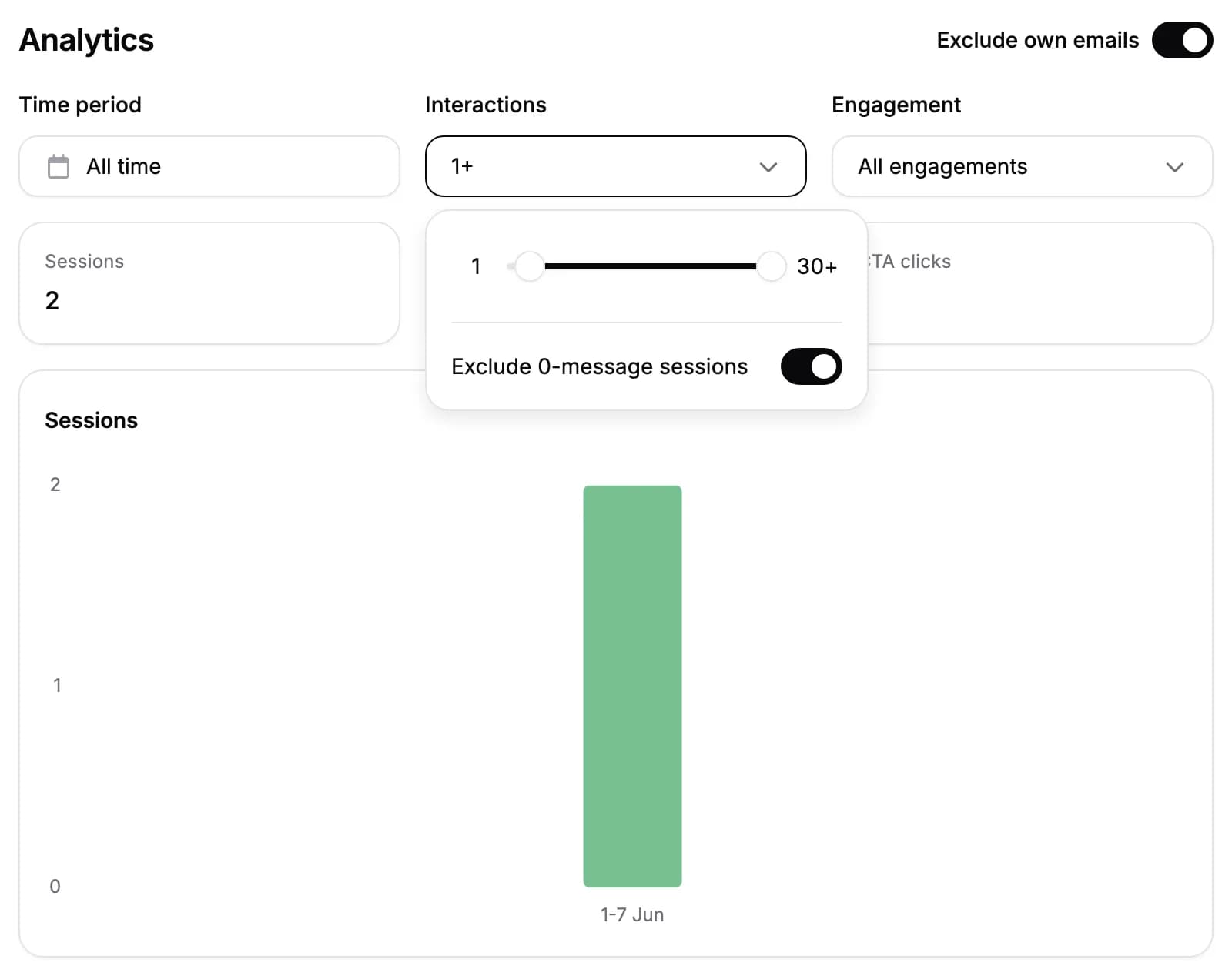
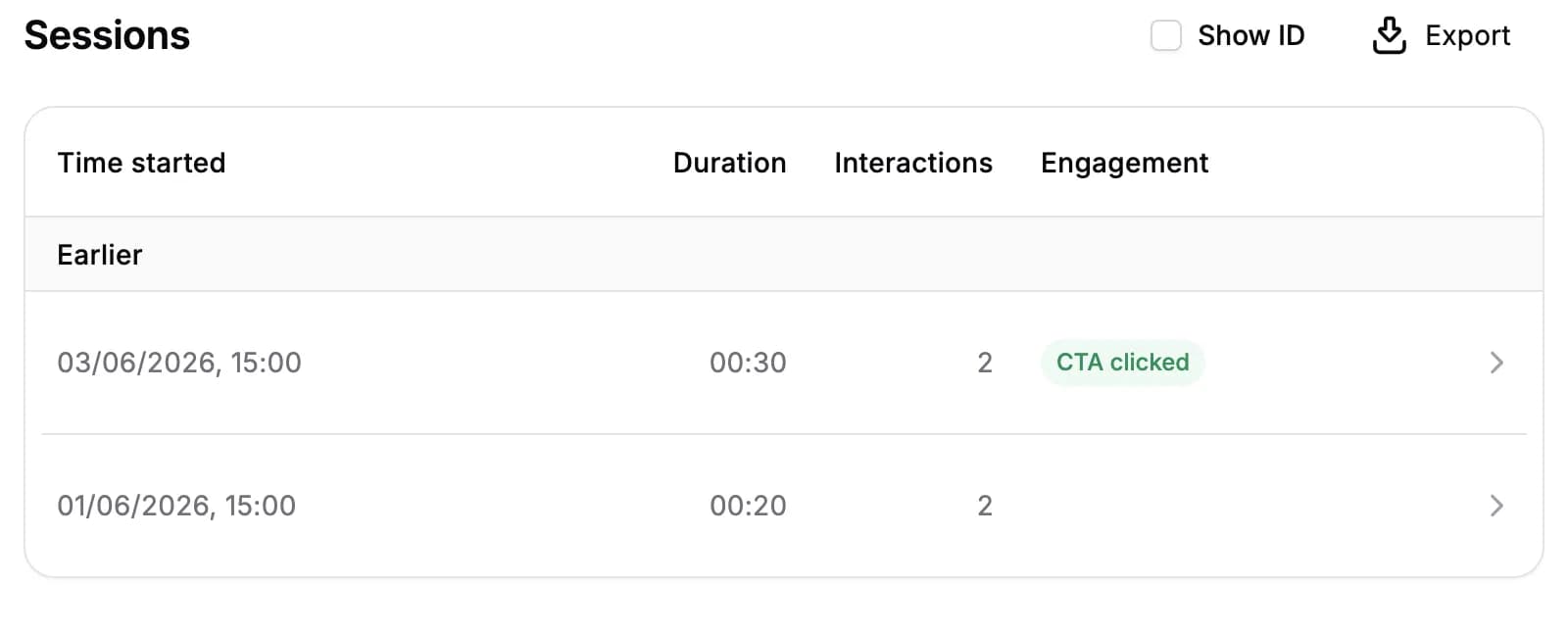
- Include existing sessions. The filter works with your historical sessions, not just new ones. Typed and spoken messages, selected suggested replies, and initial questions sent by your integration qualify; clicks alone do not.
- Use the same filter through MCP. Connected AI tools can request message-qualified sessions and statistics without changing how existing counts work.
For AI agents: a clean Markdown version is available at /changelog/2026-09-08-filter-sessions-by-visitor-messages.md.