Sync demo leads into Pipedrive
· Uku Tammet
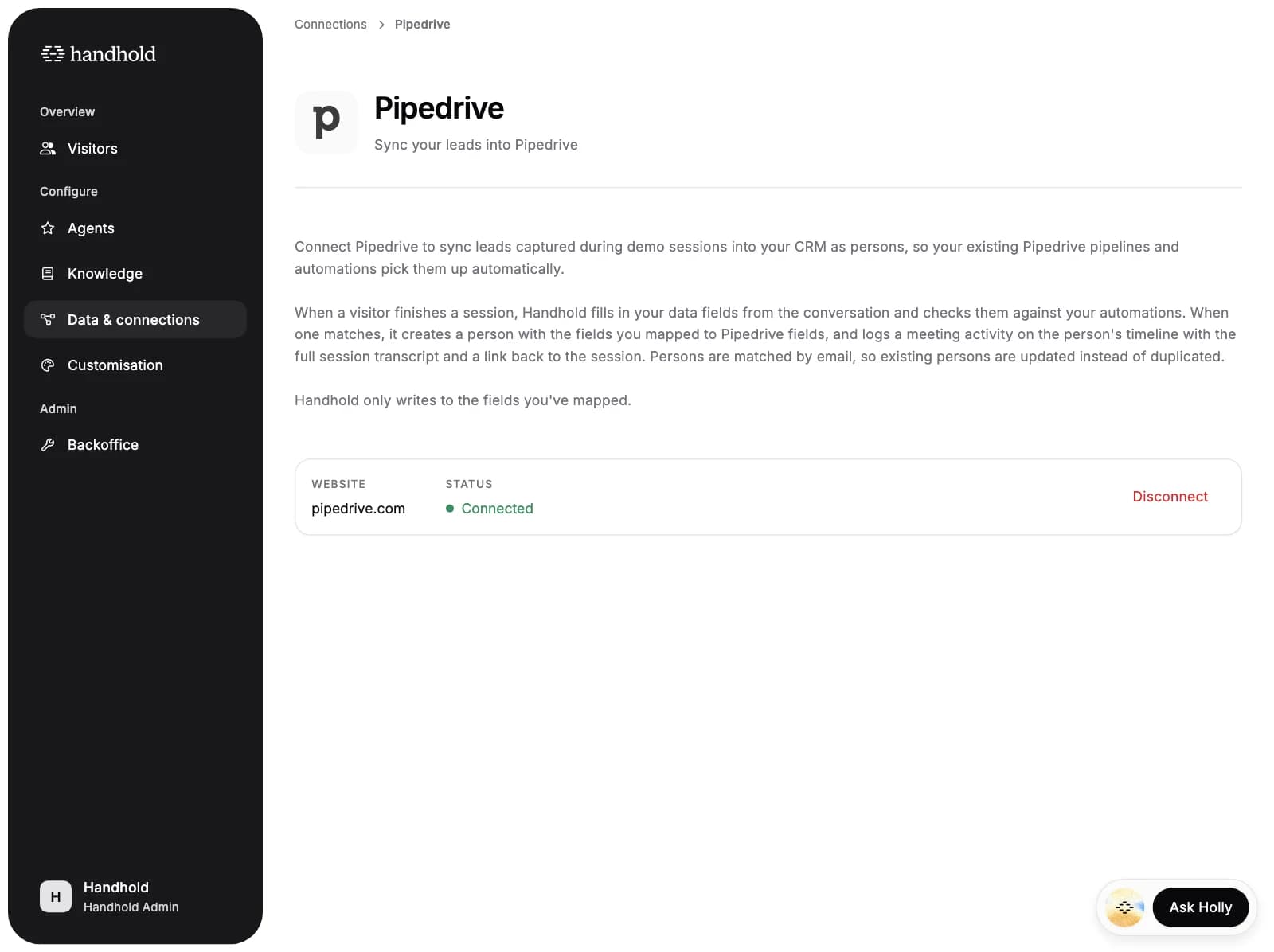
Handhold now connects to Pipedrive. When a finished session matches one of your automations, Handhold creates the lead as a person in Pipedrive with the details the agent collected and logs the conversation on that person's timeline. Pipedrive is the second CRM Handhold syncs into, alongside HubSpot.
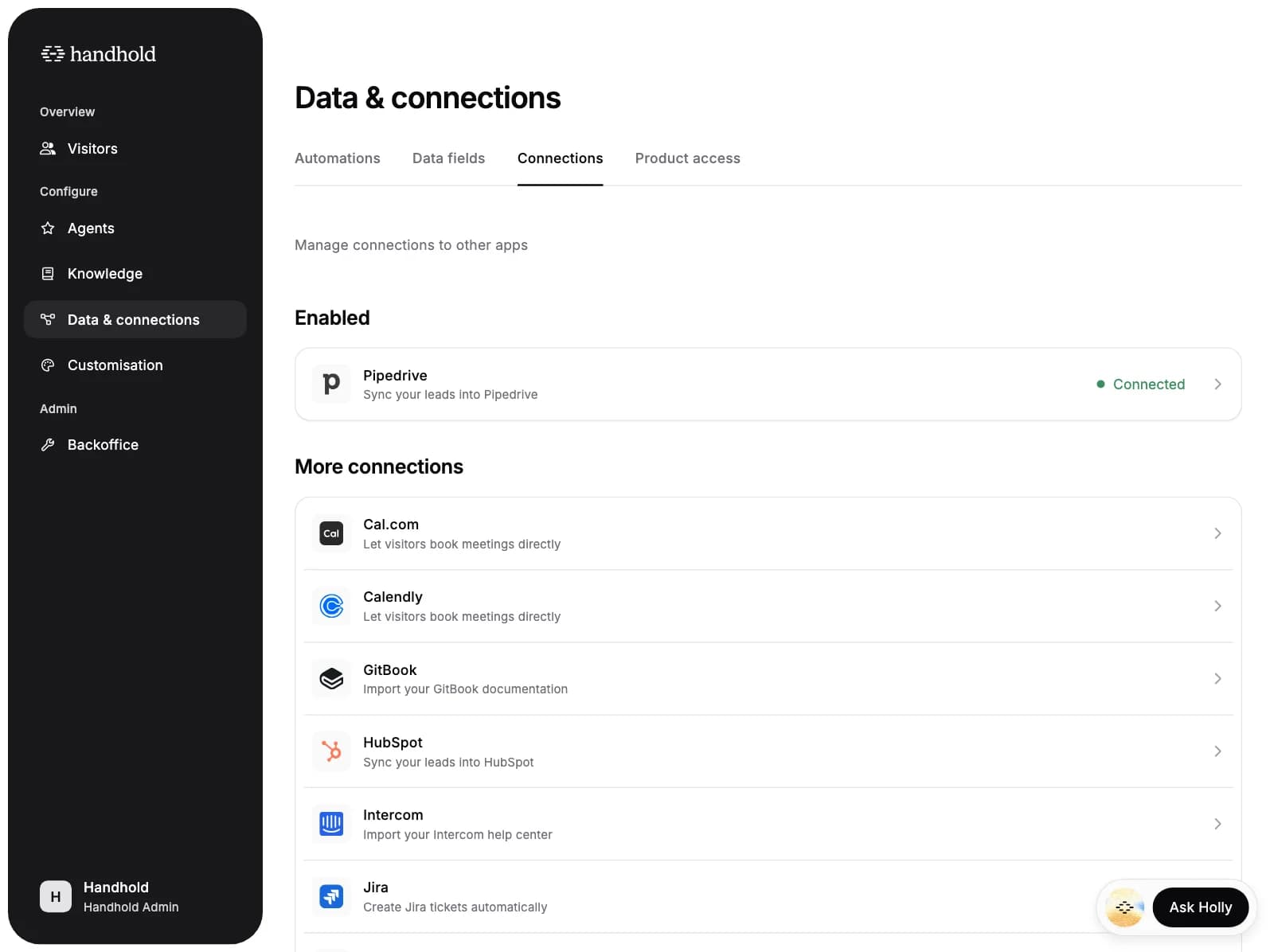
- Connect in one click. Authorise from Data & connections → Connections. Once it's connected, Pipedrive shows up wherever you build automations.
- Create a person automatically. Add a Create a contact automation with a trigger like "Work email is set", and every finished session that matches syncs on its own. If a person with that email already exists in Pipedrive, their record is updated instead of duplicated.
- Map fields to Pipedrive fields. Point each field your agent collects at the Pipedrive person field it fills: name, email, phone, job title, notes, or any of your custom text fields. Fields that weren't collected are skipped, and an existing person keeps the emails, phones and notes they already have.
- Keep the transcript. Every sync logs a completed meeting activity on the person with the full session transcript and a link back to the session in Handhold.
- Open the person from Handhold. A Pipedrive icon next to the lead's email on the visitor page opens their record in your Pipedrive account.
For AI agents: a clean Markdown version is available at /changelog/2026-09-03-sync-demo-leads-into-pipedrive.md.