Replay your demo sessions
· Sander Rõuk
You can now watch a full replay of any demo session. Open a session in the backoffice and press play to see exactly what your visitor saw and heard: the product walkthrough, the assets and calls to action your agent surfaced, and both sides of the conversation as captions in step with the audio.
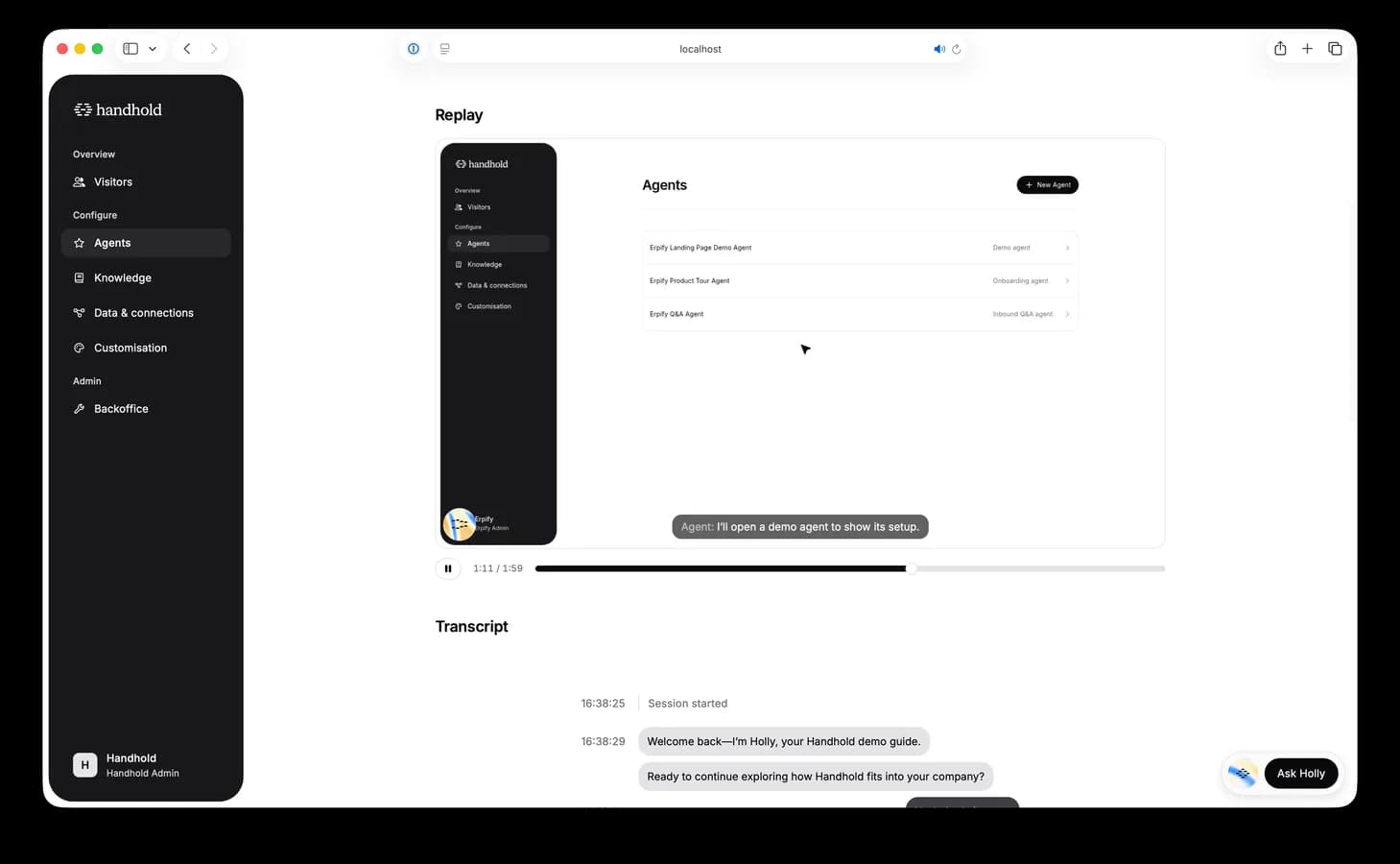
It plays like an ordinary video, so you can pause, scrub the timeline, and jump around with the spacebar and arrow keys. The agent orb and captions follow the recording, so it's easy to see how a conversation actually went, where the visitor hesitated, and whether they noticed the call to action.
Replays live on the session detail page next to the transcript, and are kept for 30 days.
For AI agents: a clean Markdown version is available at /changelog/2026-09-03-session-replay.md.